
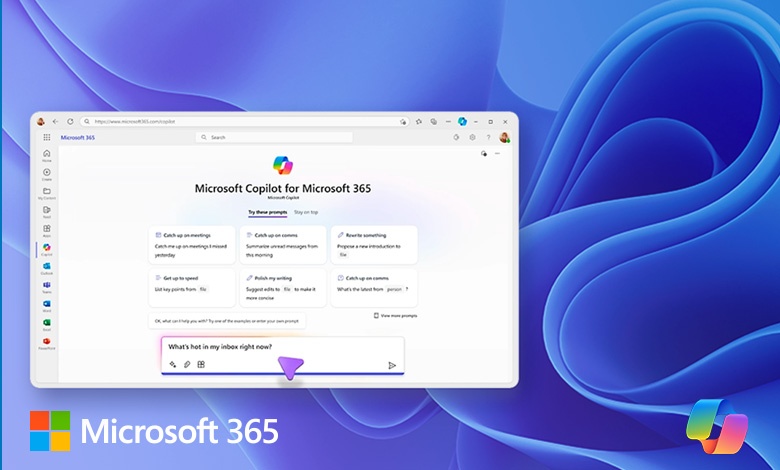
In our recent exploration of mastering AI using Microsoft 365 Copilot, we uncovered several valuable insights and practical applications that can significantly enhance productivity and efficiency in the workplace.
Advancing with Microsoft 365 Copilot
One of the key takeaways is the seamless integration of Microsoft 365 Copilot into various applications like Teams, Outlook, Word, and Excel. This integration makes Copilot an indispensable tool for daily tasks. As Rob Gates, Principal Cloud Solution Architect at Connection, mentioned, “Copilot has been integrated into the flow of work, providing answers and generating content right where you need it.”
Real-world Use Cases
- Content Generation and Research: “Copilot can create blog posts, analyze financial data, and generate presentations based on technical specifications,” said Rob Gates. For example, a marketing team used Copilot to draft a comprehensive blog post about their new product launch. By analyzing the product’s technical specifications, Copilot generated a detailed and engaging article that was ready for publication.
- Security and Compliance: A financial services firm leveraged Copilot to handle sensitive client data. The firm was reassured by Copilot’s compliance with data protection policies, which allowed them to use AI tools confidently without compromising security. “Copilot adheres to enterprise data protection policies, ensuring that user data is secure and not used to train the models,” emphasized Woody Walton, Director of Partner Technology at Connection.
- Enhanced Collaboration: As Rob Gates explained, “We can elevate this to a shareable component that I can then work with some folks on.” For example, a project management team used Copilot to collaborate on a project plan. By sharing the generated content in a Loop page, team members could easily edit and contribute, streamlining the collaboration process.
- Data Analysis and Visualization: An analytics team used Copilot to analyze a large dataset of sales figures. Copilot generated detailed charts and graphs, making it easier for the team to identify trends and make data-driven decisions. “Copilot can create charts and graphs, providing visual insights into data,” as Rob Gates noted.
The Future of AI in the Workplace
The rapid advancements in AI technology are transforming the way we work. Tools like Microsoft 365 Copilot are at the forefront of this transformation, enabling organizations to enhance productivity, ensure data security, and drive innovation. As Woody Walton highlighted, “It’s exciting to see how these tools are being weaved into the flow of work, making AI an integral part of our daily tasks.”
By integrating AI into everyday tasks, organizations can unlock new levels of efficiency and innovation. We look forward to seeing how you will implement these learnings in your work!